It is currently only possible to register a company profile on the Mercedes-Benz website or by visiting a dealer. Therefore, please log in to the Mercedes-Benz website or contact your preferred dealer to create your company profile. Once, the company profile is created, you can also access to it via Mercedes-Benz App.
The vehicle may have been assigned to your private profile. Please switch to your private profile. If you find the vehicle there, unlink the vehicle, switch back to the company profile and start the linking process from there again.
To be able to link more than 20 vehicles, an authorized Mercedes-Benz dealer must verify your company profile. Please get in contact with your preferred dealer.
If you want to cancel a specific Digital Extra for a specific vehicle, please log in to the Mercedes-Benz website and enter your company profile. Now select the specific vehicle and click on vehicle details. There you can maintain all Digital Extras. Please choose the one you want to cancel and click on the "deactivate" button.
If you want to not longer use Digital Extras at all for your fleet, please log in to the Mercedes-Benz website and enter your company profile. You find a link under the company name to delete the profile. Once deleted, all Digital Extras for all vehicles linked to your company profile, will be deactivated and the connection to all vehicles is also removed. This process cannot be undone.
With the deletion of your Mercedes me ID, you are automatically deleted from the company profile as well. If you have been the only or the last remaining company administrator of a company, the company profile is also deleted. Please note that neither you nor the drivers linked to the company profile will receive any notification of this. The company profile cannot be restored, it must be created again. It is therefore essential that you transfer the company profile to another company administrator before deleting your Mercedes me ID.
This is not possible for fleet or company car drivers. Only users with the role of "company administrator" can edit company profiles.
Your colleague was probably not added to the company profile. The company administrator must add the Mercedes me ID of the colleague to the company profile.
The company administrator may have disconnected your assignment to the vehicle to make it available for other users. This can be done without your agreement and without any notification. To get the vehicle back, select it in the overview of company vehicles and reassign it to yourself. This is only possible as long as it is not assigned to another user.
Please contact our Customer Assistant Center or deactivate GPS in the vehicle, using MBUX. Another option is to turn off all Digital Extras with GPS location in the Mercedes-Benz App.
Yes, it is possible to assign the vehicle to a company once you have paired the vehicle with your Mercedes me ID. You need to login to the Mercedes-Benz website and mark your vehicle as a company car. Please send then a request to the company adminstrator for connecting the vehicle. After confirmation of your request, you will receive a notification.
The fleet drivers aren't able to pick or even see the vehicle in the garage of the Mercedes-Benz App and also not while logged into the company profile on the Mercedes-Benz website.
The company administrator can only see and manage the Digital Extras purchased on company invoice. Tracking of the company car is not possible and the personal data is protected as well.
You need to login on the Mercedes-Benz website and simply deleting it either via your private or company profile. If you do so, please be aware that both, your assignemtn to company and to your private profile as well will be deleted. All Digital Extras are disabled and therefore cannot longer be managed and used by yourself. For re-activation, you need to connect the vehicle with your Mercedes me ID again and, if needed, with the company profile as well.
It is currently only possible to register a company profile on the Mercedes-Benz website or by visiting a dealer. Therefore, please log in to the Mercedes-Benz website or contact your preferred dealer to create your company profile. Once, the company profile is created, you can also access to it via Mercedes-Benz App.
The vehicle may have been assigned to your private profile. Please switch to your private profile. If you find the vehicle there, unlink the vehicle, switch back to the company profile and start the linking process from there.
To be able to link more than 20 vehicles, an authorized Mercedes-Benz dealer must verify your company profile. Please get in contact with your preferred dealer.
If you want to cancel a specific Digital Extra for a specific vehicle, please log in to the Mercedes-Benz website and enter your company profile. Now select the specific vehicle and click on vehicle details. There you can maintain all Digital Extras. Please choose the one you want to cancel and click on the "deactivate" button.
If you want to not longer use Digital Extras at all for your fleet, please log in to the Mercedes-Benz website and enter your company profile. You find a link under the company name to delete the profile. Once deleted, all Digital Extras for all vehicles linked to your company profile, will be deactivated and the connection to all vehicles is also removed. This process cannot be undone. Furthermore, the deletion of the company profile does not automatically lead to the cancellation of your current subscriptions (if any). Before deleting your company profile, you are obliged to cancel your current subscriptions in the Mercedes-Benz Store.
With the deletion of your Mercedes me ID, you are automatically deleted from the company profile as well. If you have been the only or the last remaining company administrator of a company, the company profile is also deleted. Please note that neither you nor the drivers linked to the company profile will receive any notification of this. The company profile cannot be restored, it must be created again. It is therefore essential that you transfer the company profile to another company administrator before deleting your Mercedes me ID.
This is not possible for fleet or company car drivers. Only users with the role of "company administrator" can edit company profiles.
Your colleague was probably not added to the company profile. The company administrator must add the Mercedes me ID of the colleague to the company profile.
The company administrator may have disconnected your assignment to the vehicle to make it available for other users. This can be done without your agreement and without any notification. To get the vehicle back, select it in the overview of company vehicles and reassign it to yourself. This is only possible as long as it is not assigned to another user.
Please contact our Customer Assistant Center or deactivate GPS in the vehicle, using MBUX. Another option is to turn off all Digital Extras with GPS location in the Mercedes-Benz App.
Yes, it is possible to assign the vehicle to a company once you have paired the vehicle with your Mercedes me ID. You need to login to the Mercedes-Benz website and mark your vehicle as a company car. Please send then a request to the company adminstrator for connecting the vehicle. After confirmation of your request, you will receive a notification.
The company administrator is able to purchase Digital Extras for this vehicle on company invoice.
Actually, only company administrators are able to buy Digital Extras on company invoice. A company car driver can only purchase Digital Extras in the Mercedes-Benz Store for private customers.
Apart from the purchase, however, the company car driver can use and manage all Digital Extras, regardless of whether they were purchased privately by himself or commercially by the company administrator. However, the company administrator can only manage the commercially purchased Digital Extras.
The fleet drivers aren't able to pick or even see the vehicle in the garage of the Mercedes-Benz App and also not while logged into the company profile on the Mercedes-Benz website.
The company administrator can only see and manage the Digital Extras purchased on company invoice. Tracking of the company car is not possible at all and the personal data is protected as well.
You need to login on the Mercedes-Benz website and simply deleting it either via your private or company profile. If you do so, please be aware that both, your assignment to company and to your private profile as well will be deleted. All Digital Extras are disabled and therefore cannot longer be managed and used by yourself. For re-activation, you need to connect the vehicle with your Mercedes me ID again and, if needed, with the company profile as well.
;Resize=(828,828) "Business | Digital Extras")
Digital Extras for business customers.
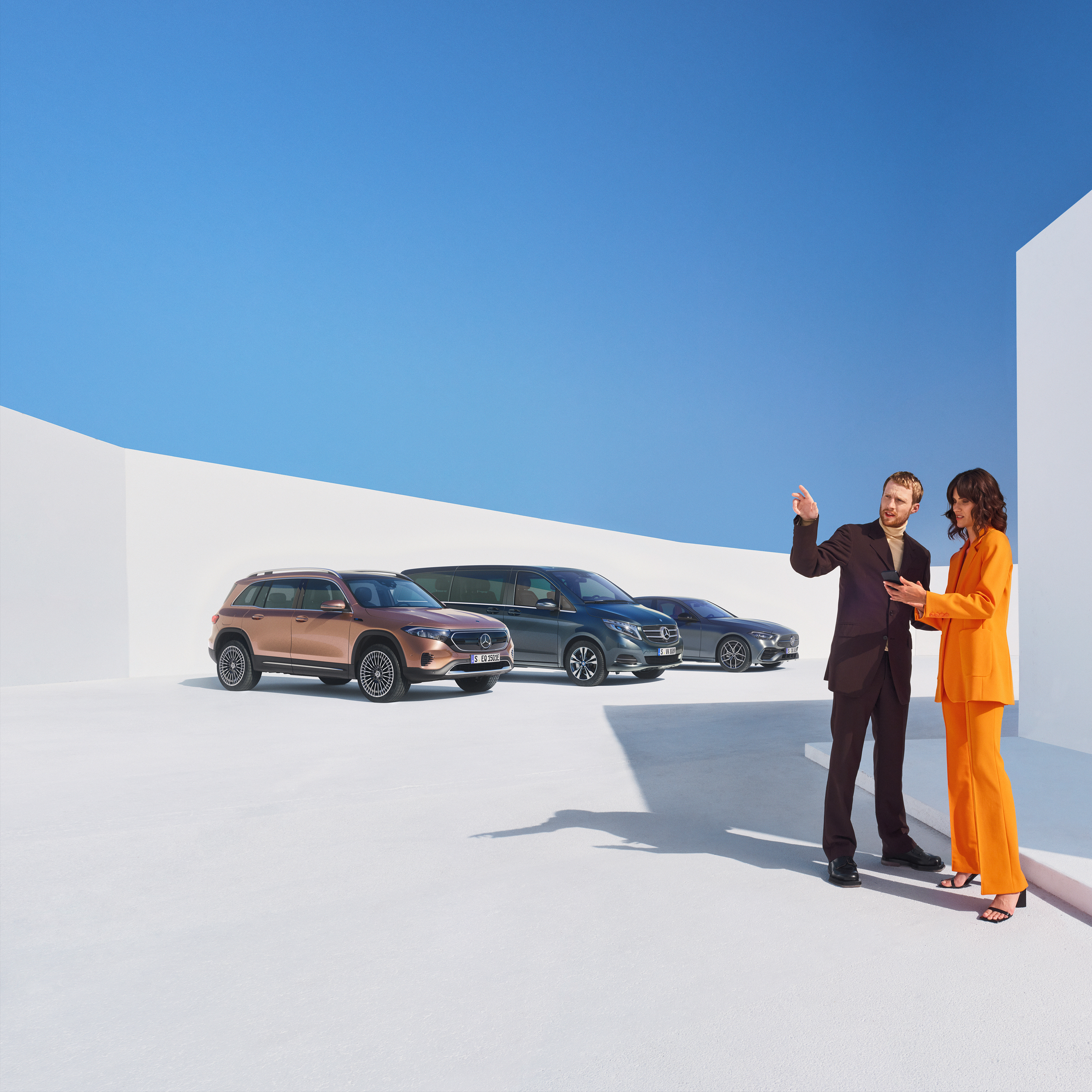
The Digital Extras make your Mercedes-Benz company vehicles work for you. Discover the possibilities.
Digital Extras for business customers.
The Digital Extras make your Mercedes-Benz company vehicles work for you. Discover the possibilities.
Frequently asked questions.
Would you like to know more about Digital Extras for business customers? Find the most important questions and answers about registration, activation and use here.
Use Digital Extras and the Mercedes-Benz App now - Steps for doing so.
Product changes may have been made since the production of this content.
Additional Digital Extras
Additional Digital Extras: Simply add them.
Looking for more? With our flexible options, you can proactivly enhance your Mercedes-Benz company vehicle during the order process.
Select the Digital Extras that align with your preferences and business requirements, and watch as your Mercedes-Benz company vehicle transforms into the ultimate driving companion. Simply add them.
But that's not all! We're excited to announce the upcoming launch of our new Mercedes-Benz Store for Digital Extras, tailored specifically for business customers. Soon, you'll have access to an even wider range of Digital Extras, allowing you to customize your vehicle to meet your unique business needs.
Product changes may have been made since the production of this content.
Digital Extras Packages
Digital Extras Packages. Benefits for you.
Your Mercedes-Benz company vehicle isn't just a mode of transportation - it's a reflection of your company's commitment to excellence.
Take your company vehicle to the next level with our exclusive Digital Extras, already included for a certain time upon purchase. You just simply need to activate them to take the full advantages and benefits.
Standard Equipment Digital Extras
Standard Equipment Digital Extras. Included in your Mercedes-Benz company vehicle.
Our Standard Equipment Digital Extras are already installed in company vehicles before you get in for the first time. To use these Digital Extras, all you need to do is create a Mercedes me ID, agree to the terms of use and create a company profile. Please link your company car or fleet to this company profile and activate the Digital Extras.
Digital Extras
There's a lot more to your company vehicle than you think.
Transform your everyday commute into a productivity powerhouse with our range of Digital Extras tailored to enhance your working life.
Say goodbye to mundane routines and hello to efficiency on-the-go! Seamlessly integrate your Mercedes-Benz into your work life with features designed to keep you connected, organized and ahead of the game.
From advanced scheduling and virtual meeting assistance to real-time traffic updates and hands-free communication with our voice assitant 'Hey Mercedes', our Digital Extras have got you covered. Maximize your productivity without missing a beat, all from the comfort of your Mercedes-Benz.
Frequently asked questions.
Would you like to know more about Digital Extras for business customers? Find the most important questions and answers about registration, activation and use here.
Use Digital Extras and the Mercedes-Benz App now - Steps for doing so.
Product changes may have been made since the production of this content.
Additional Digital Extras
Additional Digital Extras: Simply add them.
Why settle for a one-size-fits-all approach when you can have a vehicle that's uniquely yours? With our flexible options, you're in control. Simply select the Digital Extras that align with your preferences and business requirements, and watch as your Mercedes-Benz company vehicle transforms into the ultimate driving companion.
Seamlessly integrate your Mercedes-Benz company vehicle into your work life with features designed to keep you connected, organized, and ahead of the game. Simply add them.
Product changes may have been made since the production of this content.
Digital Extras Packages
Digital Extras Packages. Benefits for you.
Take your company vehicle to the next level with our exclusive Digital Extras, already included for a limited time upon purchase. You just simply need to activate them.
And don't worry about missing out once the initial period ends! With our flexible upgrade packages, you can continue to enjoy these game-changing features, keeping your company vehicle at the forefront of innovation for the long haul. Visit our Mercedes-Benz Store for Business Customers and extend them by a simple click.
Standard Equipment Digital Extras
Standard Equipment Digital Extras. Included in your Mercedes-Benz company vehicle.
Our Standard Equipment Digital Extras are already installed in company vehicles before you get in for the first time. To use these Digital Extras, all you need to do is create a Mercedes me ID, agree to the terms of use and create a company profile. Please link your company car or fleet to this company profile and activate the Digital Extras.
Digital Extras
There's a lot more to your company vehicle than you think.
Transform your everyday commute into a productivity powerhouse with our range of Digital Extras tailored to enhance your working life.
Say goodbye to mundane routines and hello to efficiency on-the-go! Seamlessly integrate your Mercedes-Benz into your work life with features designed to keep you connected, organized and ahead of the game.
From advanced scheduling and virtual meeting assistance to real-time traffic updates and hands-free communication with our voice assitant 'Hey Mercedes', our Digital Extras have got you covered. Maximize your productivity without missing a beat, all from the comfort of your Mercedes-Benz.
Discover a wide range of fleet management solutions.
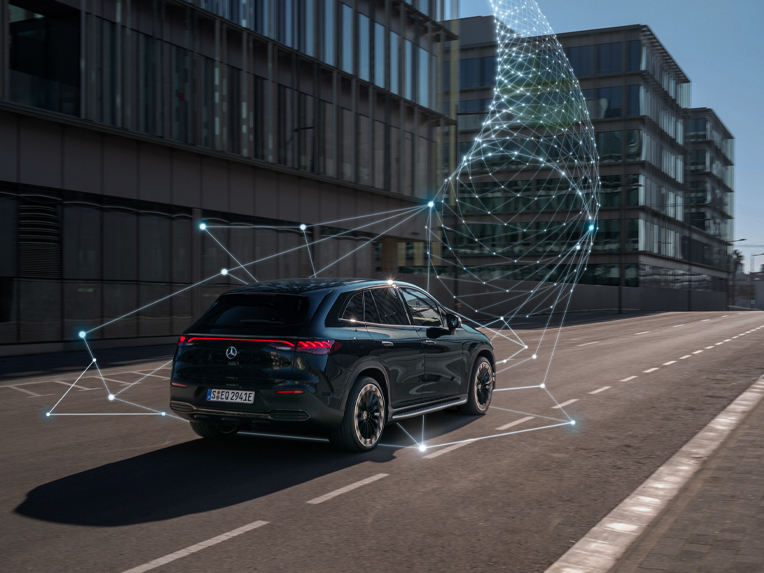
Are you looking for a fleet management solution for your fleet or would you like to integrate your Mercedes-Benz vehicles into your existing fleet management system? The Mercedes-Benz Connectivity Services GmbH offers you suitable solutions either directly or in collaboration with professional partners.
;Resize=(600,450) "Fleet Management Solutions | Business | Mercedes me")
Digital Extras for Mercedes-Benz Vans.
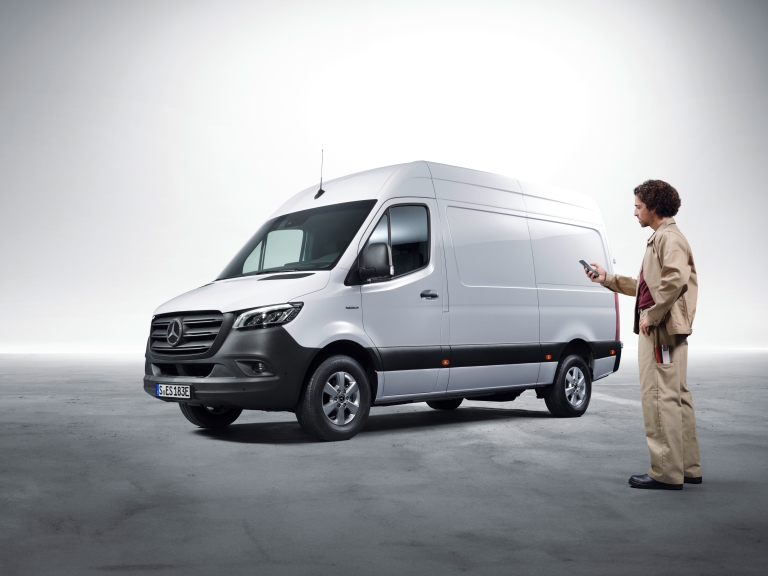
You can also experience the world of digital products in your commercial Mercedes-Benz van. Discover the benefits of the Digital Extras that keep you and your company connected to the vehicle at all times, no matter where you are.
;Resize=(600,450) "Digital Extras for Mercedes-Benz Vans | Business | Digital Extras")
Discover a wide range of fleet management solutions.
Are you looking for a fleet management solution for your fleet or would you like to integrate your Mercedes-Benz vehicles into your existing fleet management system? The Mercedes-Benz Connectivity Services GmbH offers you suitable solutions either directly or in collaboration with professional partners.
Digital Extras for Mercedes-Benz Vans.
You can also experience the world of digital products in your commercial Mercedes-Benz van. Discover the benefits of the Digital Extras that keep you and your company connected to the vehicle at all times, no matter where you are.