;Resize=(800,800) "Digital Extras | Mercedes-Benz")
Digital Extras for your Mercedes-Benz.
Simply book additional Digital Extras and experience your Mercedes-Benz in a new way.
Simply book additional Digital Extras and experience your Mercedes-Benz in a new way.
Digital Extras
Standard Services Digital Extras
Digital Extras free trial and renewal package
Get the upgrade for your Mercedes-Benz with our Digital Extras on a wide range of topics and use your smartphone to remotely operate, customize and digitally add to your vehicle.
Digital Extras services come with a free usage period of up to 36 months*, depending on your vehicle model, selected special equipment, production year, and country of sale.
Digital Extras On-Demand package
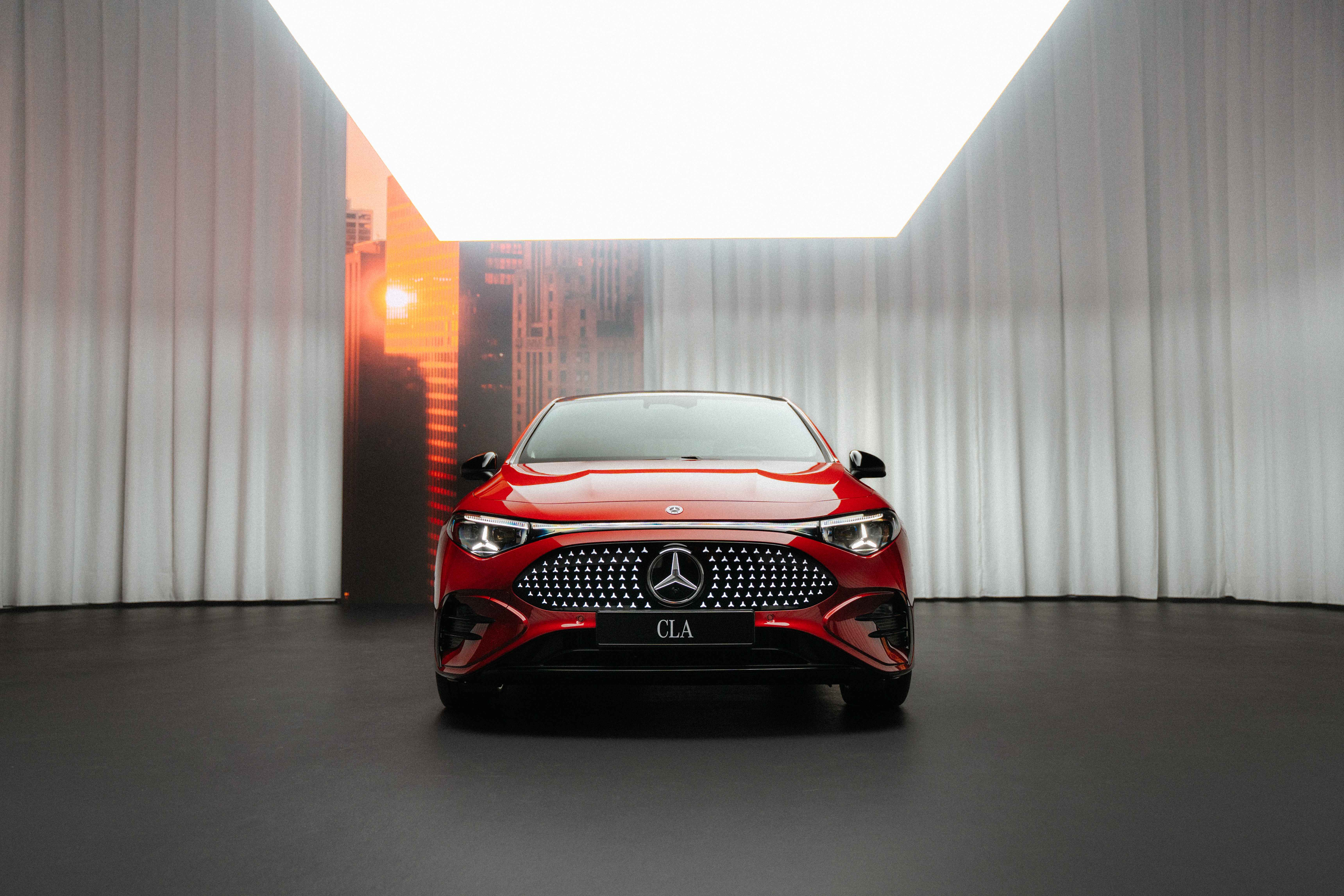;Resize=(600,450) "CLA Digital Extras Package | Digital Extras | Mercedes-Benz")
Mercedes me ID
Log in or register with your Mercedes me ID to experience our Digital Extras. Your personal Mercedes me ID is the key to the digital world of Mercedes-Benz and offers even more benefits beyond:
- Manage your vehicle and experience the world of Digital Services.
- Receive personalized recommendations.
- Edit your personal data and preferences.
- Manage appointments at our Mercedes-Benz Authorized Service Centers.
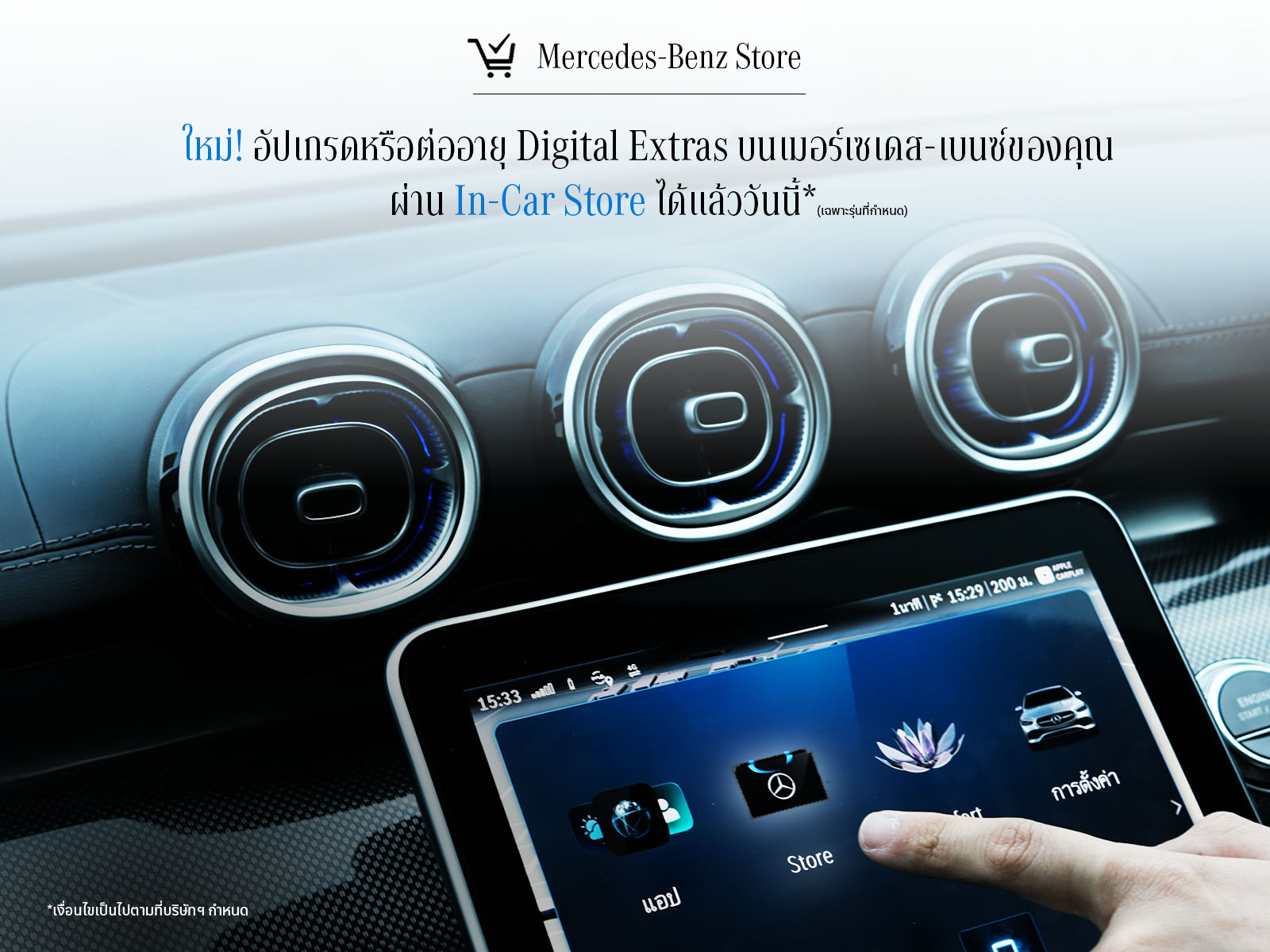
Discover a new way! Easily upgrade or renew your Digital Extras packages on your Mercedes-Benz vehicle via the In-Car Mercedes-Benz Store, available now*
Experience convenience that enhances every journey.
*In-Car Mercedes-Benz Store can be used with Head Unit models from NTG7 onward, and is compatible only with the specified car models as follows:
NTG 7: A-Class (V177) facelift / GLA (H247) facelift / C-Class (W206) /GLC (X254) / GLC Coupe (C254) / S-Class (V223) / S-Class Maybach (Z223) / GLE (V167) facelift / GLS (X167) facelift / EQS (V297) / EQS SUV(X296) / EQE (V295) / EQE SUV (X296) / SL (R232) / SL Maybach (Z232) /G-Class (W465)Gen 20x.i2 : CLE Coupe (C236) / E-Class (W214)Gen 20x.i2: CLE Coupe (C236) / E-Class (W214)
;Resize=(600,450) "In-Car Mercedes-Benz Store | Digital Extras | Mercedes-Benz")
contact
FAQ
To use Mercedes-Benz Digital Extras, you first need a Mercedes me ID. To register for Mercedes-Benz Digital Extras, please follow these steps:
1. Download the Mercedes-Benz App from the App Store or Google Play.
2. Enter your telephone number or email address and tap "Next".
3. Complete your personal information.
4. Read the Terms of Use and tick the box to accept them.
5. Tap on "Register".
6. Enter the verification code sent to your smartphone or email address to complete the registration process.
Some Digital Extras come with your vehicle, you don't have to buy them. To benefit from additional services however, a purchase is necessary here.
These are some of our most popular services:
• Remote Retrieval of Vehicle Status
• Vehicle Tracker
• Parked Vehicle Locator
• Remote Engine Start
• Live Traffic Information
• Send2Car
The following services are included free of charge:
• Maintenance Management
• Accident Recovery and Breakdown Management
• Telediagnosis
• Remote Vehicle Diagnostics
• Intelligent Status & Service
To purchase a Digital Extra, please follow these steps:
1. Download the Mercedes-Benz App.
2. Open the app on your smartphone.
3. Select a product from the list and tap "Add to basket".
4. Tap on "Go to basket" to proceed to the checkout.
5. Tap on "Order now" and select a means of payment.
6. To complete your order, tap on "Buy now".
To discover and purchase all available services, please visit the Mercedes-Benz Store online or download the Mercedes-Benz Store App and log in with your Mercedes me ID.
iOS
Android
There are two ways to renew services or purchase new services:
Please follow these steps to renew or purchase services that are expiring:
1. Open Mercedes-Benz Store.
2. Tap "Renew" in the menu.
3. Select your desired term.
4. Tap on "Order now".
5. Tap on "Buy now" to complete your order.
iOS
Android
;Resize=(600,450) "Digital Extras Price List | Digital Extras | Mercedes-Benz")